
Area and Perimeter Calculator
Length times width for a patio, lawn, room or driveway. Free to use, with a short guide below.
What this calculator does
Almost every material order starts with one number: the area. Enter the length and width and this calculator gives the square feet, square metres and the perimeter in feet and metres.
How to use it
- Measure the longest length and the widest width with a tape. For an L shape, split it into two rectangles and run the calculator twice.
- Type the two numbers in feet.
- Read the area for materials like sod, tile or paint, and the perimeter for fencing, edging or baseboard.
Why it matters
A small measuring error grows quickly. Being off by one foot on a 20 by 15 ft patio changes the area by 35 sq ft, which can mean a full extra pallet of pavers or a bag of concrete too few. Getting the area right first protects every later estimate and your budget.
Tips from the job site
- Measure twice and write the numbers on a simple sketch.
- Measure to the edge of the finished surface, not to the fence or house wall behind it.
- Keep the two results separate: area orders surface material, perimeter orders edging and trim.
These results are estimates. We measure on site before we quote, and we confirm local rules with your city.
Related calculators
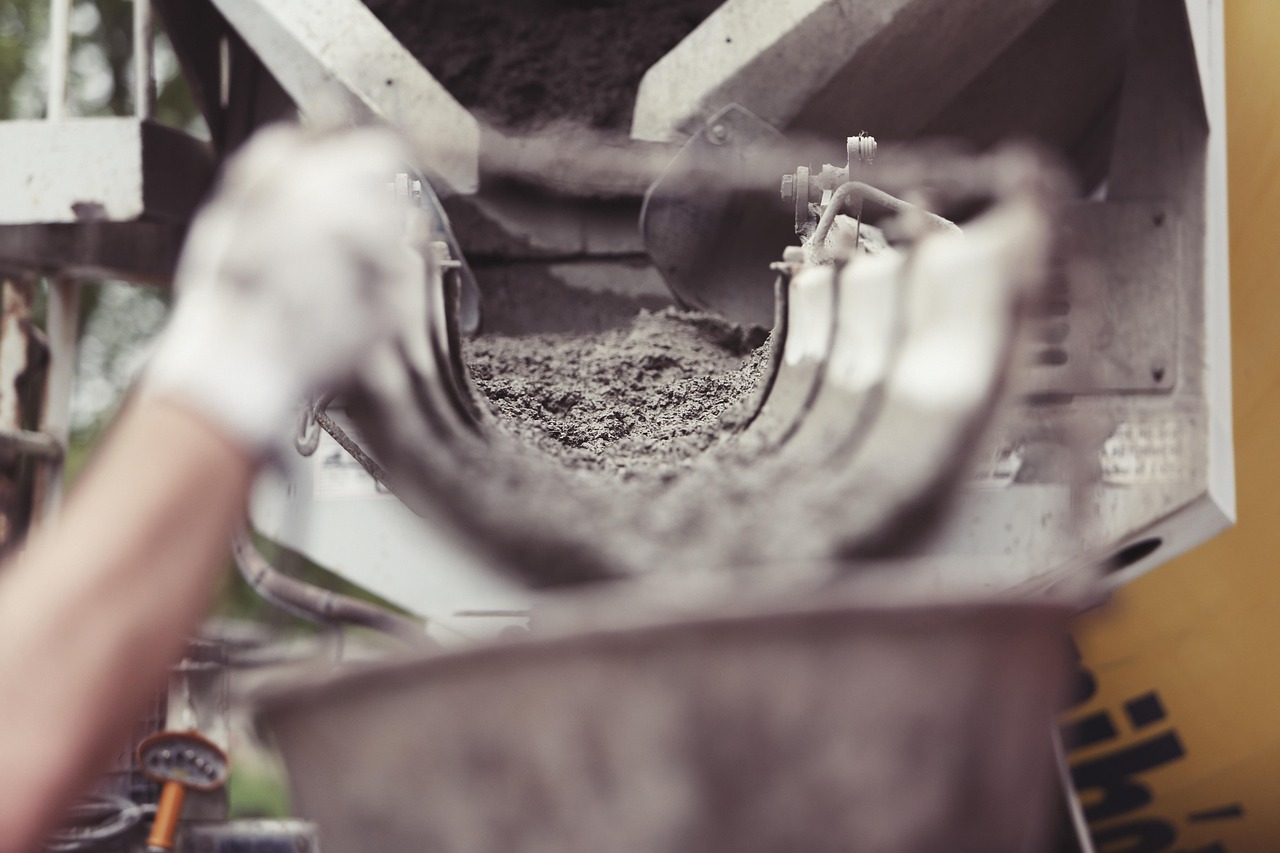 Concrete VolumeSlab, driveway, steps or walkway. Includes 10% extra.Open calculator and guide
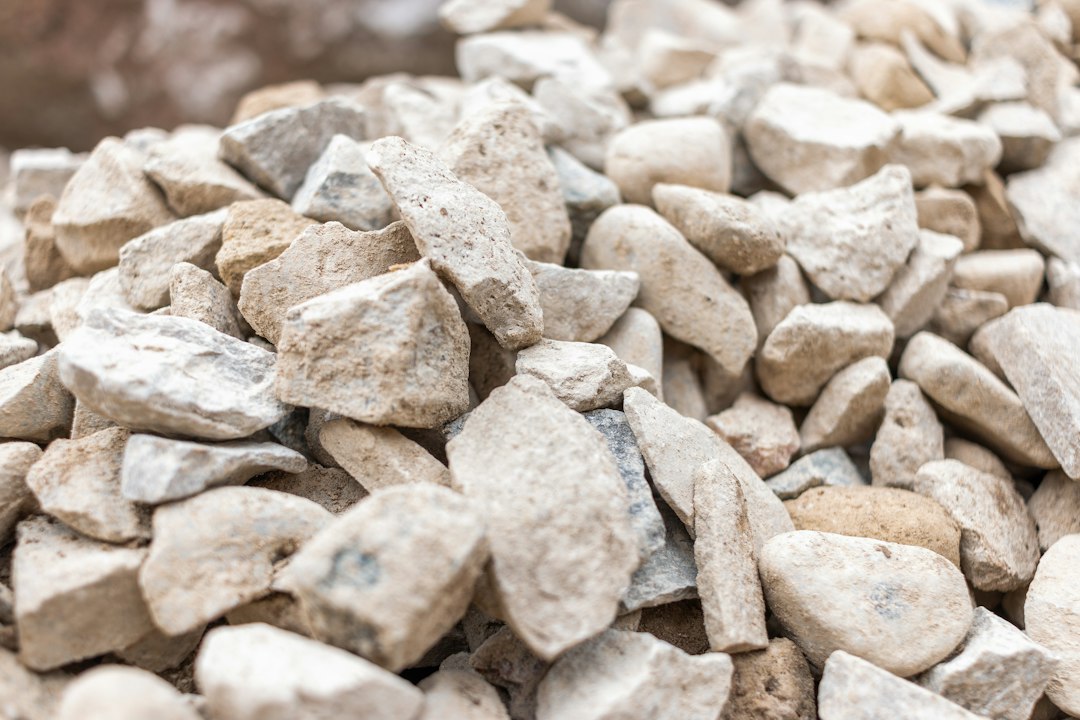 Gravel and Base StoneBase under concrete, pavers, sheds and walkways.Open calculator and guide
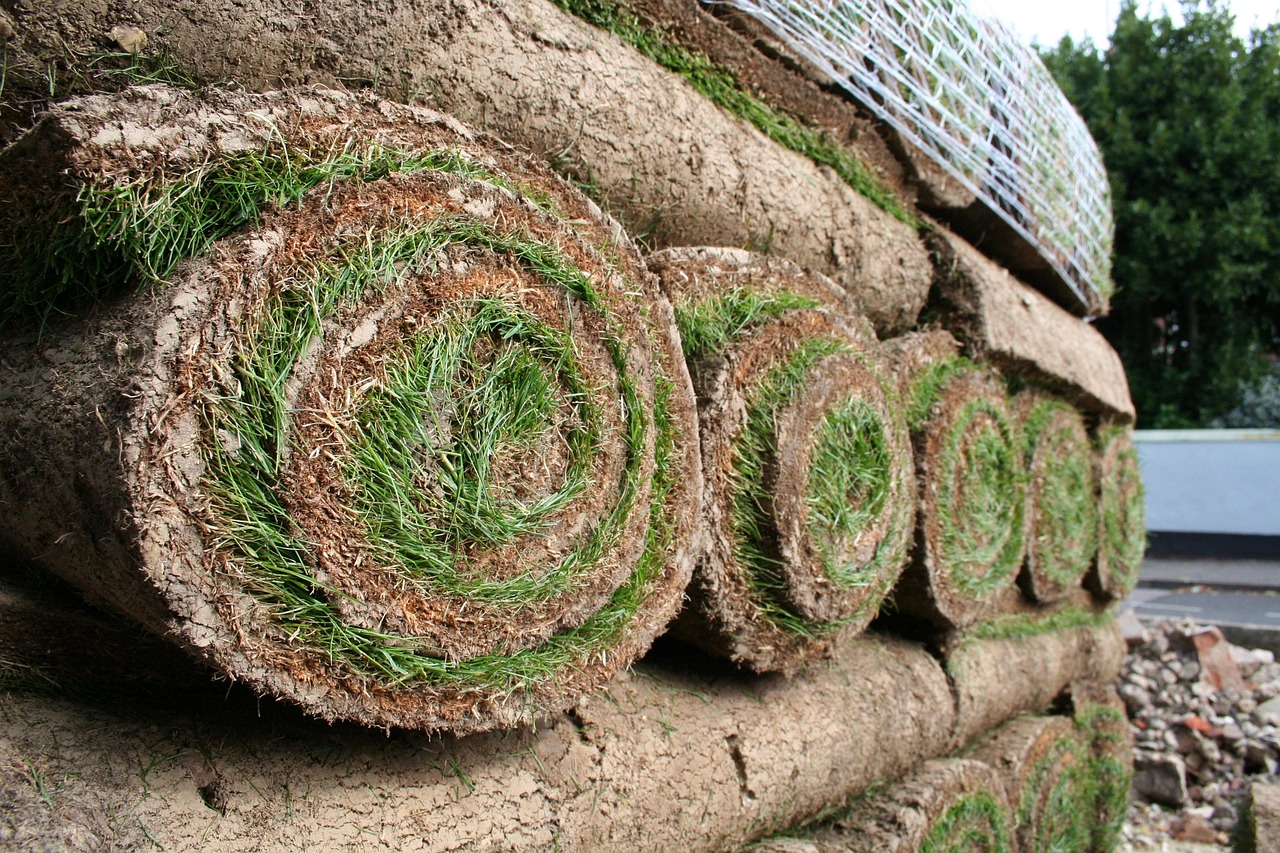 Sod RollsHow many rolls and pallets for a new lawn. Includes 5% extra.Open calculator and guide
Need this done for you?
We work in Kitchener and surrounding areas (50 km). Send us your project details and get a clear quote.
